
Smart Locks & Guest Codes
Set up smart locks, test guest and cleaner codes, and show the host how to manage access. Verify compatibility before promising automatic code changes.
Equipment you own · Tested before handoff

Make check-in easy and give guests fewer reasons to text. We set up smart locks and guest codes, Wi-Fi, lighting, and entertainment. Add a digital guest guide so guests can find house instructions, takeout menus, and Ashley’s local picks in one place.
Give guests one place to find Wi-Fi, use the lights, and get the details they need for their stay. See what they see on arrival, then switch to the owner view.
Book help with one setup or several. We work with equipment you own and test the setup before handoff.
Set up smart locks, test guest and cleaner codes, and show the host how to manage access. Verify compatibility before promising automatic code changes.

Improve guest Wi-Fi coverage, set up arrival lighting, and make TVs, streaming, audio, and game rooms easier for guests to use.

A welcome screen built around your rental—Wi-Fi, parking, house instructions, checkout details, and things to do nearby. Use your own recommendations, Ashley’s local guide, or a mix of both.
A practical between-stay check of guest-facing items such as entry, Wi-Fi, TVs, house instructions, and supplies. You get photo notes and a short list of items to address before check-in.
Optional sensors under sinks, water heaters, and crawlspaces. Alerts route straight to your own phone and local contact—never a third-party call center.
Give guests a shortlist of things to do near the place they’re staying. Ashley can build a guide around your rental’s town or neighborhood, with nearby food and takeout, things to do, and ideas for rainy days. Hosts can also ask about a ready-to-use itinerary or personalized trip planning based on guests’ dates and interests.
Ashley builds a list around your property’s town or neighborhood—nearby restaurants, takeout menus, coffee, attractions, and practical tips—for your welcome screen or mobile guide.
Offer guests a curated weekend, family day, or rainy-afternoon plan tailored to your destination.
Let guests ask Ashley for help planning around their dates, interests, group, and pace—submitted as a clearly labeled trip-planning inquiry.
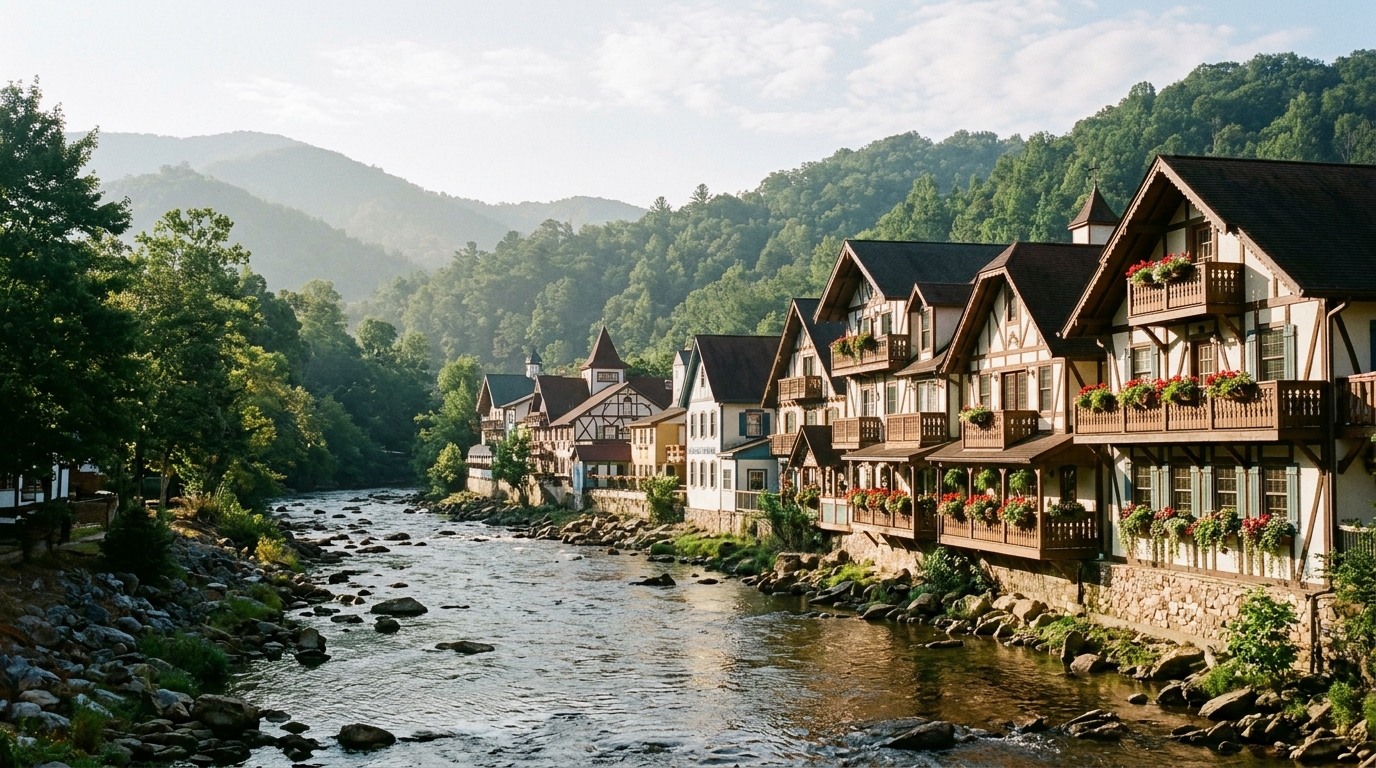
Explore the alpine-style village, then pick a waterfall walk or a riverside outing.
Read the guide →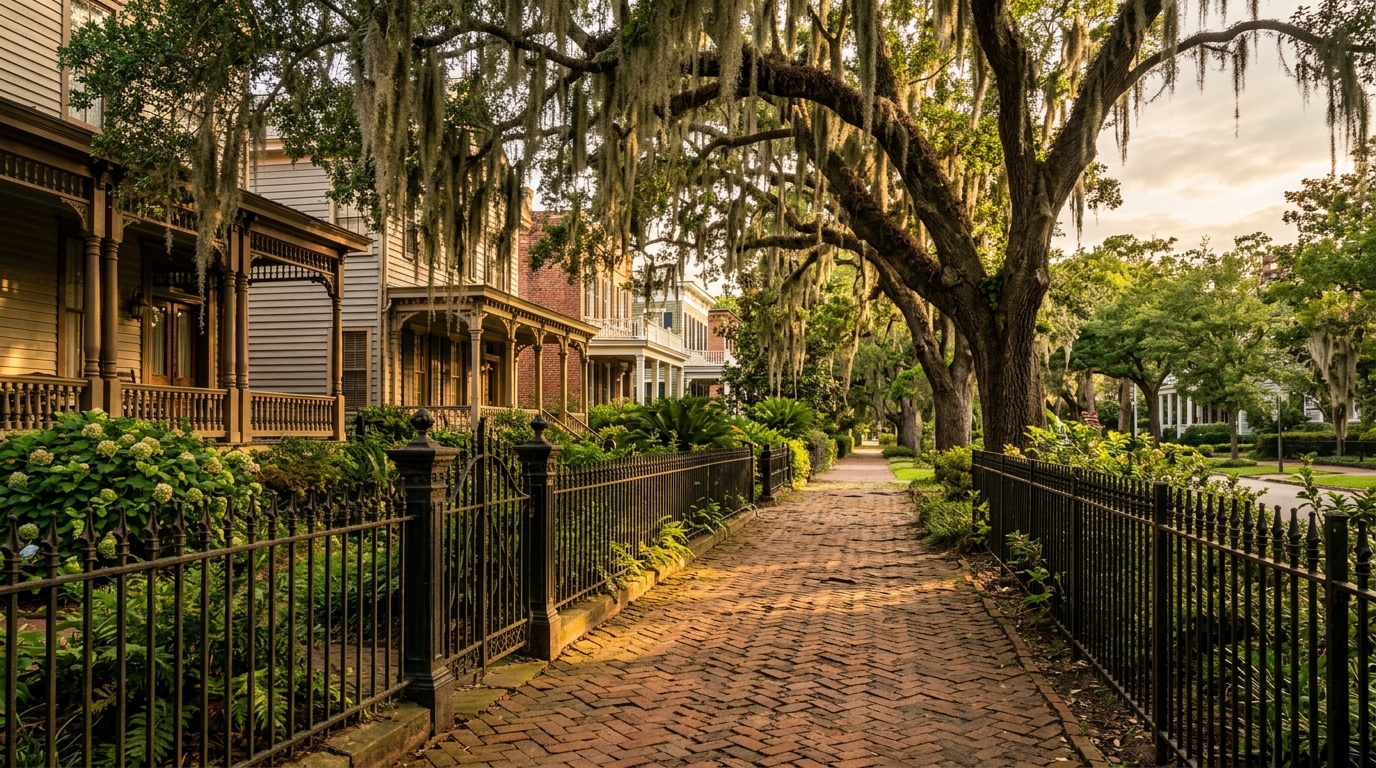
Build an afternoon around Forsyth Park, historic streets, and a stop for something to eat.
Read the guide →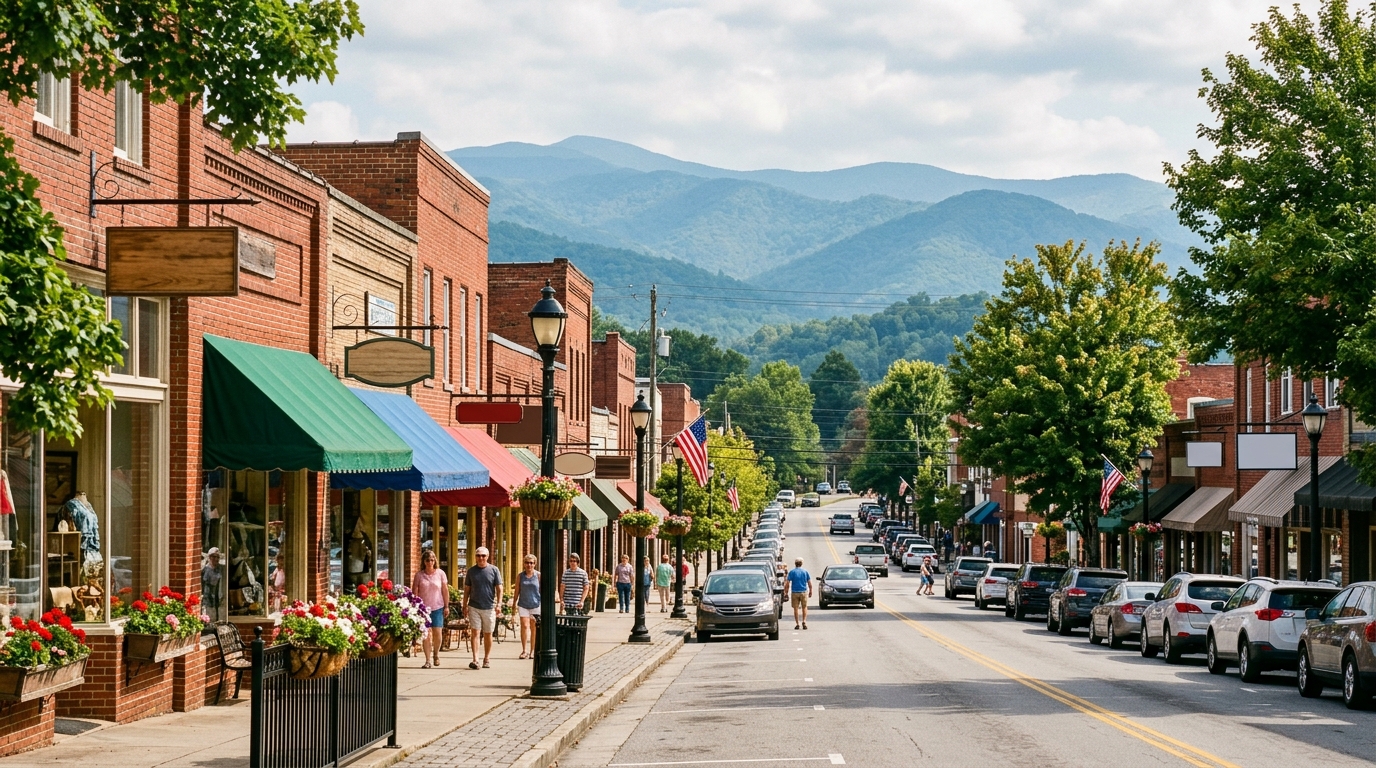
Start on Main Street with shops, galleries, and restaurants, then look into a ride on the Scenic Railway.
Read the guide →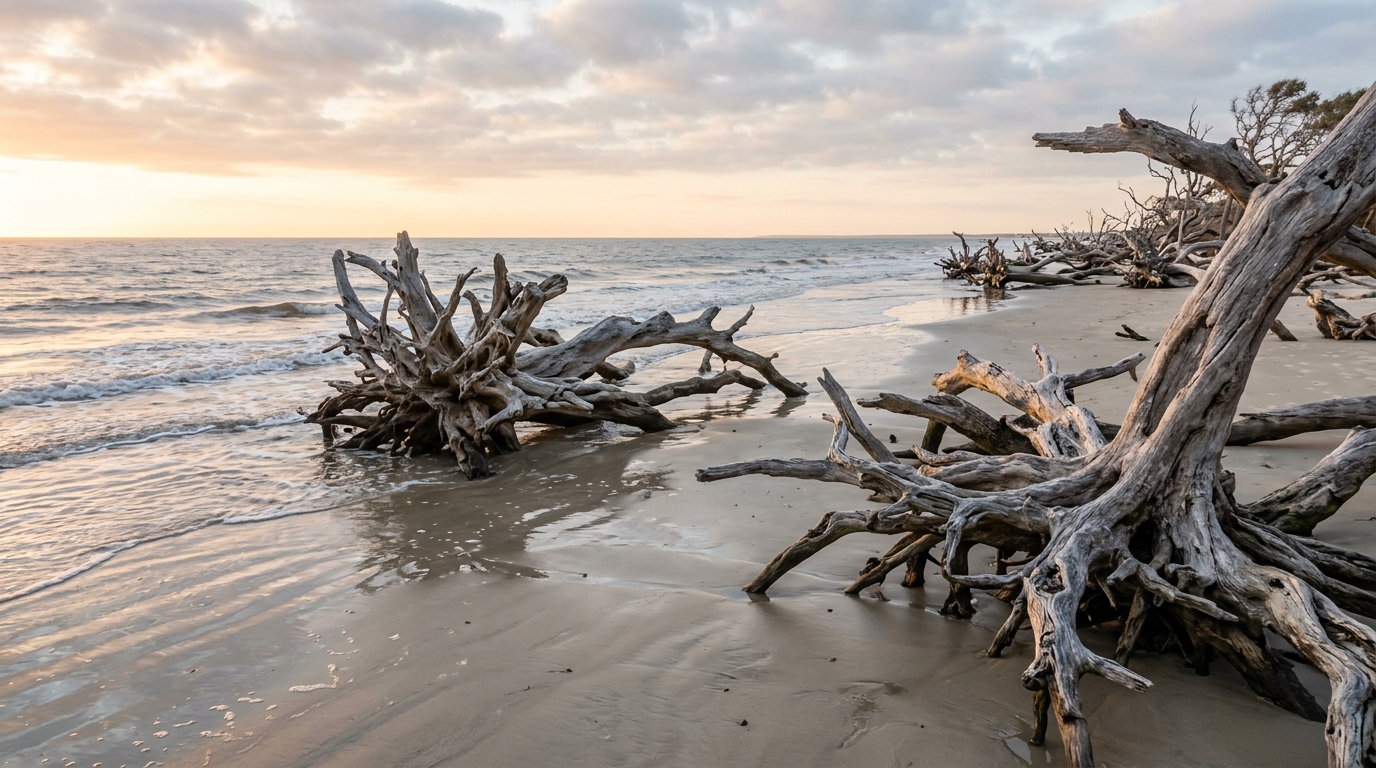
Walk the shoreline and make time to photograph the weathered trees along the water.
Read the guide →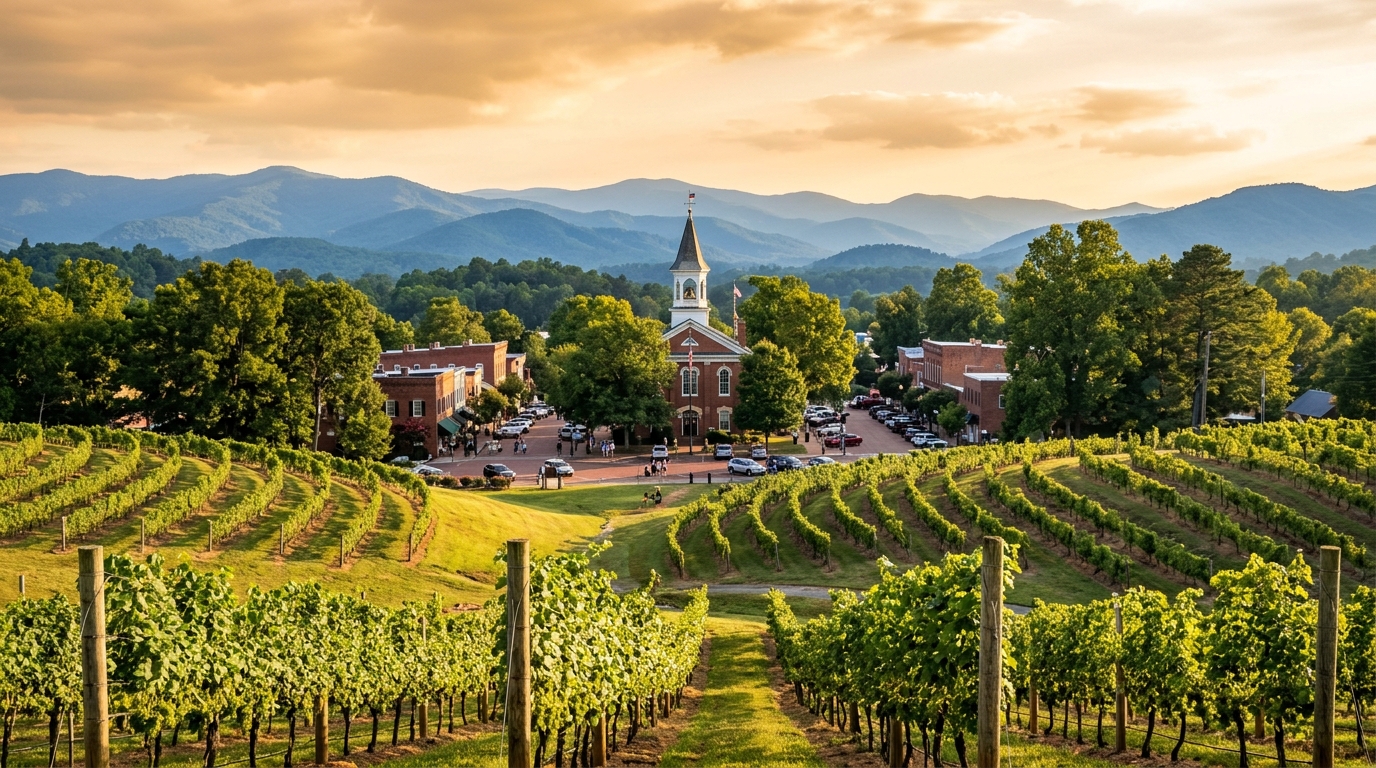
Spend time downtown, then choose between mountain views, a vineyard, or a show.
Read the guide →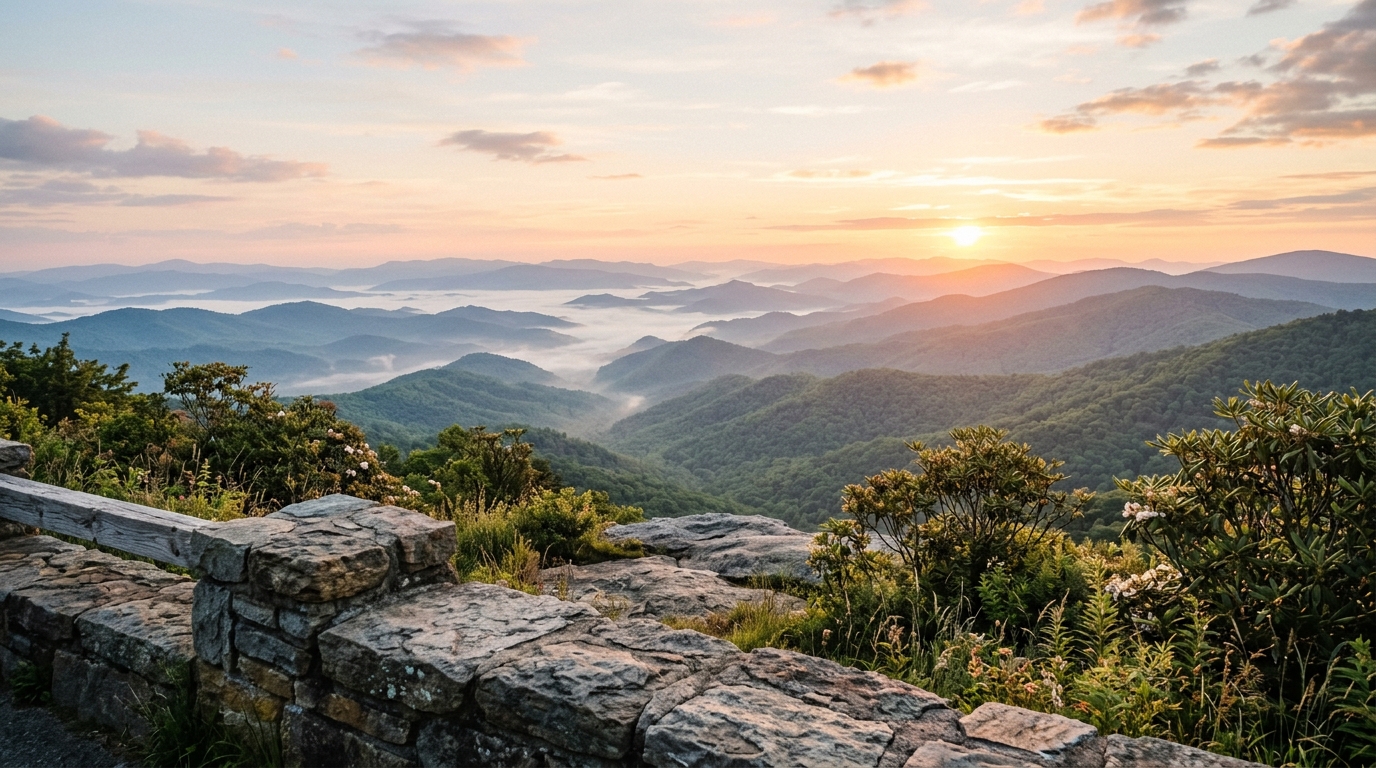
Pair a scenic drive with downtown food, shops, and galleries.
Read the guide →A practical between-stay check of guest-facing items such as entry, Wi-Fi, TVs, house instructions, and supplies. You get photo notes and a short list of items to address before check-in.
Sample · Ridgecrest Cabin (Fictional)
Living room · Coffee table welcome binder & TV console
Printed card tells guests to switch HDMI inputs with an older cable remote, while the current Roku remote controls TV power and soundbar volume directly.
Swap in the updated one-remote instruction card (and update the digital guest guide) before 4:00 PM check-in.
Keypad reported low battery during the check; guest and cleaner codes still active.
Main router is downstairs, causing buffering on the loft streaming TV, and spare coffee filters are low.
Yes. You choose what appears on the screen and how it's organized—including Wi-Fi, parking, house instructions, checkout details, and local recommendations (your own picks, Ashley's local guide, or a mix of both), on a wall-mounted display, mobile guide, or both.
Usually, yes. We send a list of devices that work with your setup, so you know exactly what you're paying for before we arrive. We can also use compatible gear you already own. You own the devices and the app accounts.
Only if your booking or lock software supports that lock. We check before we quote. If automatic codes aren't possible, we'll tell you upfront and set up the simplest manual option.
Yes. Share your checkout and check-in times and we'll work around your cleaners. If something can't be finished in the window, we stop at a safe point and send photo notes and a quote for the rest. Visits are scheduled with you. We don't take guest calls.
Alerts go straight to the owner or your designated local contact through your own app. NestShield Stays doesn't monitor your property or respond on site, and sensors need power and an internet connection to send alerts.
Serving the Southeast. Share your property ZIP code so we can confirm availability, travel, and Guest-Readiness Walkthrough scope for your location.
Serving the Southeast. Request a quote for smart locks, Wi-Fi, lighting, entertainment, a digital guest guide, optional monitoring add-ons, or a Guest-Readiness Walkthrough.
Manage a hotel, multifamily community, or other commercial property? NestShield Commercial helps owners and operators plan connected-building projects, from water-risk monitoring to indoor air quality and smart access.